Pages
▼
Tuesday, January 29, 2013
Friday, January 18, 2013
Maya Tutorials
Key search words: Maya, tutorials, beginner, basic, animation, dynamics, particles, modeling, texturing and rendering.
Thursday, January 17, 2013
Wednesday, January 16, 2013
Tuesday, January 15, 2013
Maya Bouncing Ball Animation
Your objective in this assignment is to recreate this animation of a bouncing ball. In order to post a video capture of your animation you will need to create a "playblast". You will need to independently/ collaboratively research and find resources that will aid you in successfully completing this assignment.
Some key search words:
Autodesk, maya, bouncing, ball, animation, tutorial, basic, beginner, playblast, keying.
Once you have completed your animation you will post your video onto the blog and then copy and paste the URL of the post into a "Class Discussion" on Schoology.com
Some key search words:
Autodesk, maya, bouncing, ball, animation, tutorial, basic, beginner, playblast, keying.
Once you have completed your animation you will post your video onto the blog and then copy and paste the URL of the post into a "Class Discussion" on Schoology.com
Monday, January 14, 2013
***Instructions for submitting your prop models***
You will submit your prop models to three separate places.
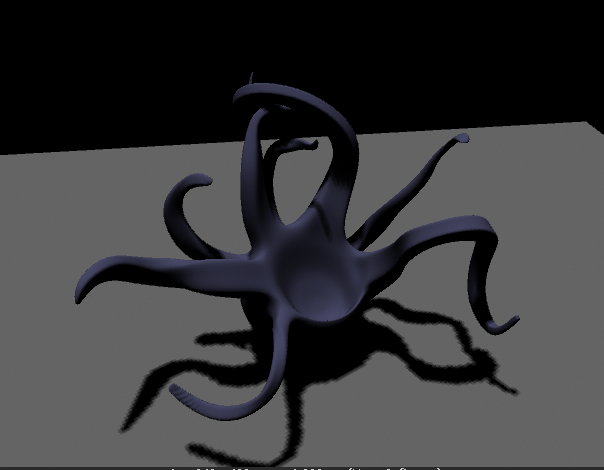
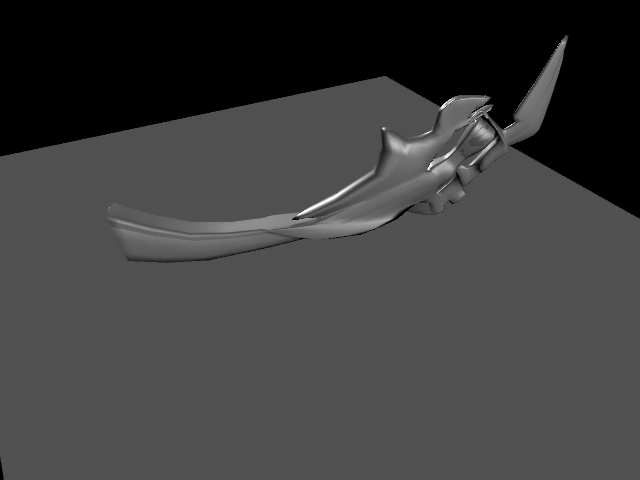
1. Submit three renders or screen grabs of each of your three models to this blog.
2. Submit three renders or screen grabs to schoology.com
3. Submit a titled folder of your maya object file and a screen capture to the prop model folder so it can be used.
1. Submit three renders or screen grabs of each of your three models to this blog.
2. Submit three renders or screen grabs to schoology.com
3. Submit a titled folder of your maya object file and a screen capture to the prop model folder so it can be used.